Parallax mapping plugin
1. Introduction
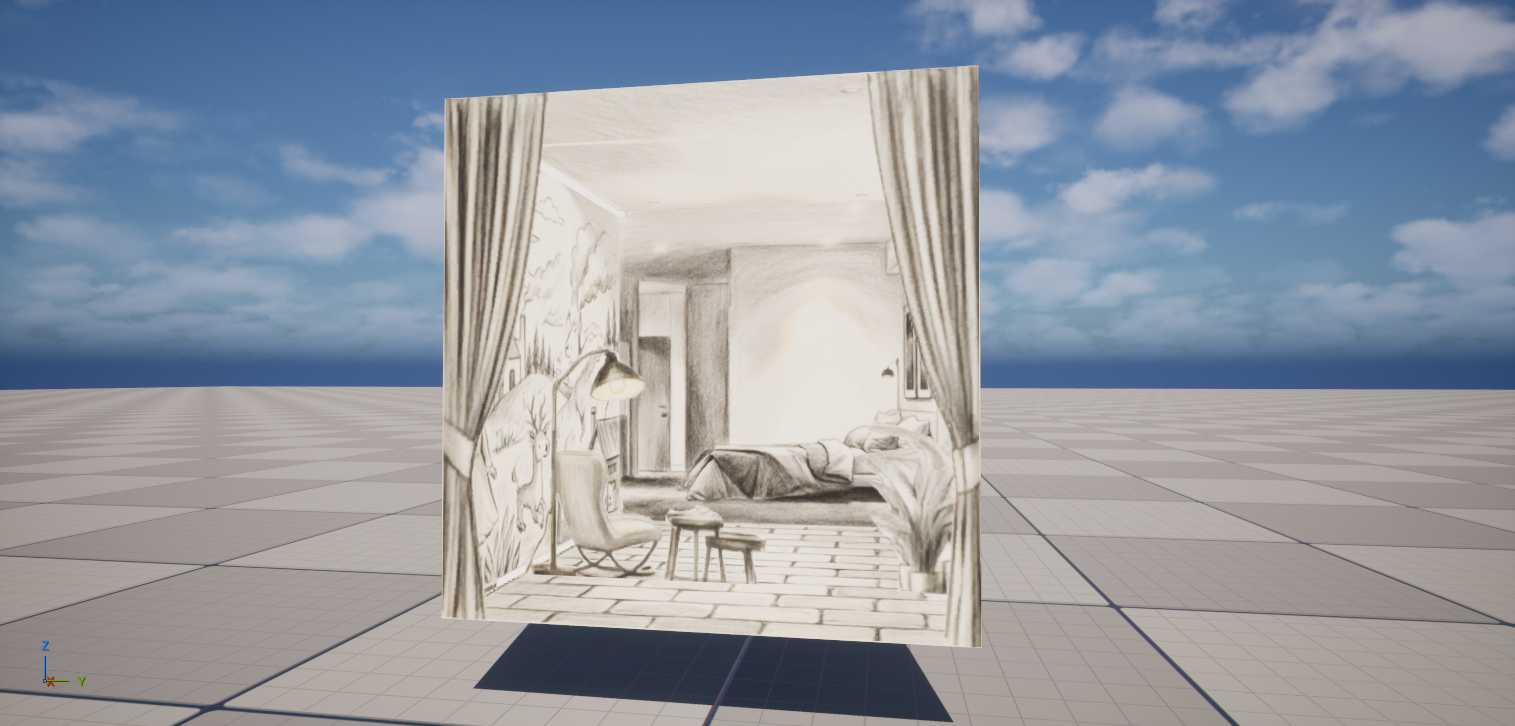
The ParallaxMappingMaterial plugin is a C++ implementation of the free Interior Mapping Shader available on Fab.
The final result in-engine:
2. Usage
2.1 Background nodes
2.1.1 Nine-Grid Texture
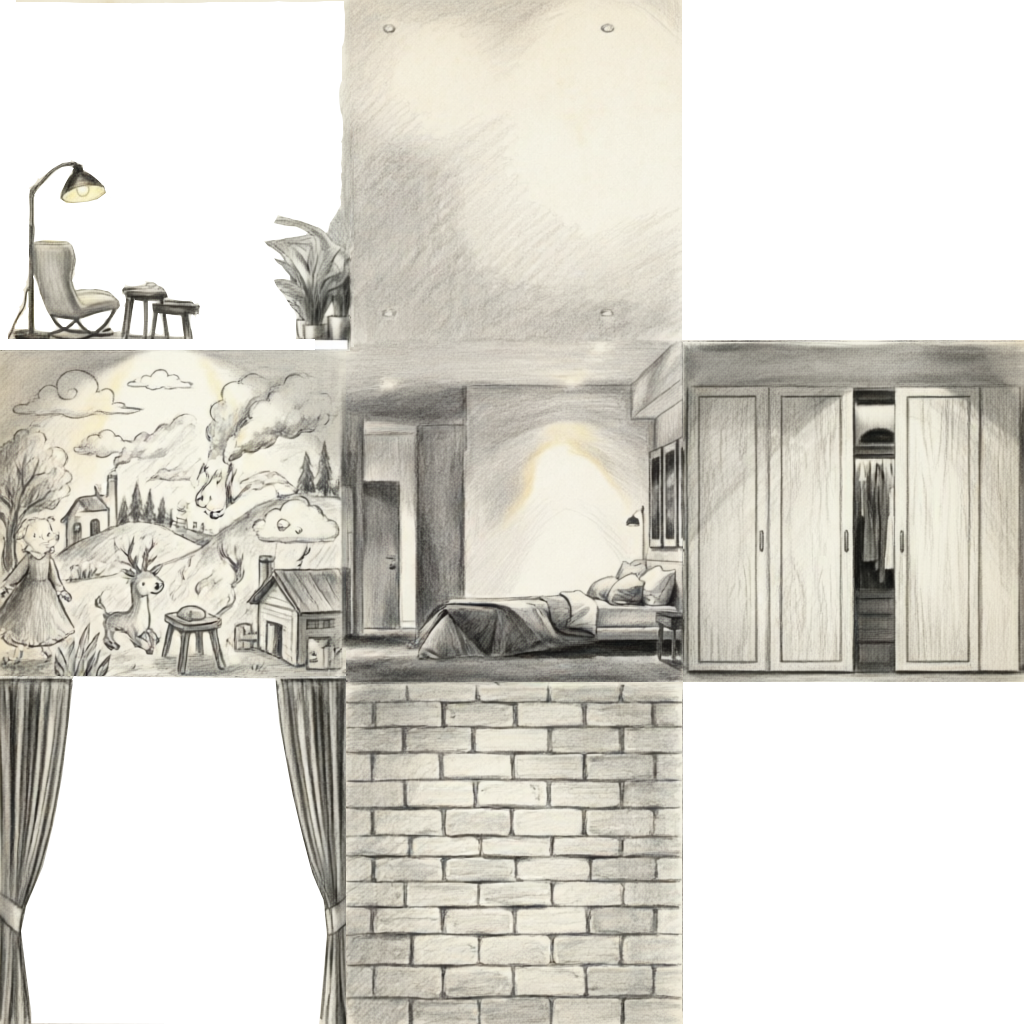
If you’re using a 9-grid texture atlas like this:
Drop an Interior Mapping UV node into your material graph.
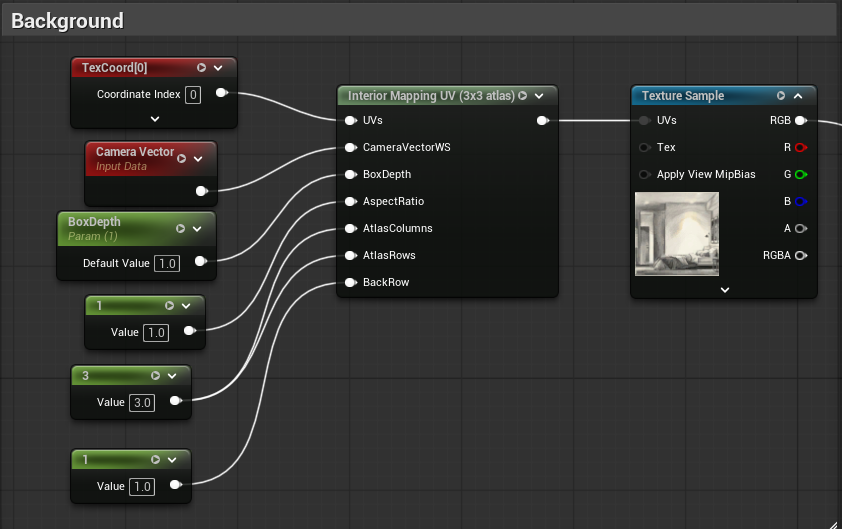
| Pin | Type | Description |
|---|---|---|
| Inputs | ||
UVs | TexCoordinates | UV coordinates. Defaults to TexCoord[0]. |
CameraVectorWs | Vector3 | Camera vector in world space. Use CameraVectorWS by default. |
BoxDepth | Scalar | Depth of the virtual room. |
AspectRatio | Scalar | \(\frac{Room_{Width}}{Room_{Height}}\) Defaults to 1 (a cube-shaped room). |
AtlasColumns | Scalar | Number of grid columns in the atlas. Defaults to 3. |
AtlasRows | Scalar | Number of grid rows in the atlas. Defaults to 3. |
BackRow | Scalar | Which row contains the back wall. Top row = BackRow - 1, bottom row = BackRow + 1. |
| Outputs | ||
| Return value | Vector2 | The parallax-shifted UVs. Connect to the UVs pin of a TextureSample node. |
2.1.2 One Texture Per Cell
If your textures are split into individual files:
- CenterTop:
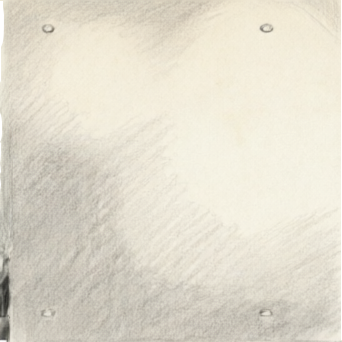
- CenterLeft:
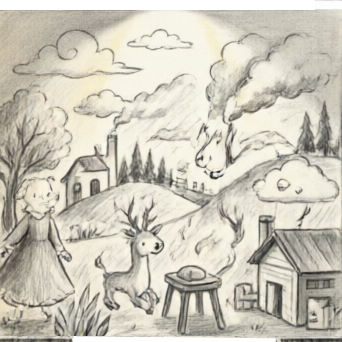
- Center:
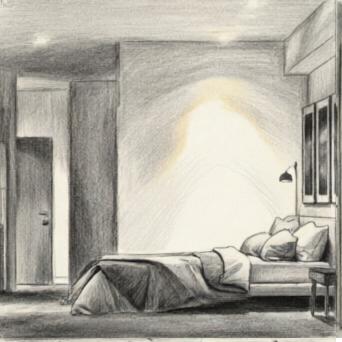
- CenterRight:
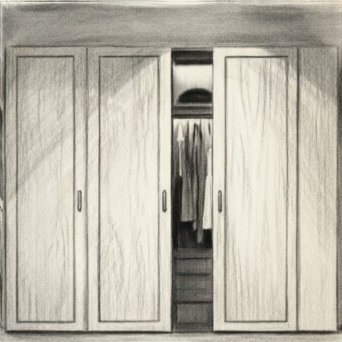
- CenterBottom:
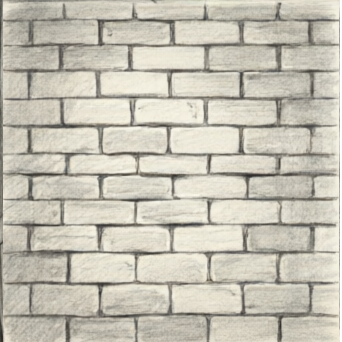
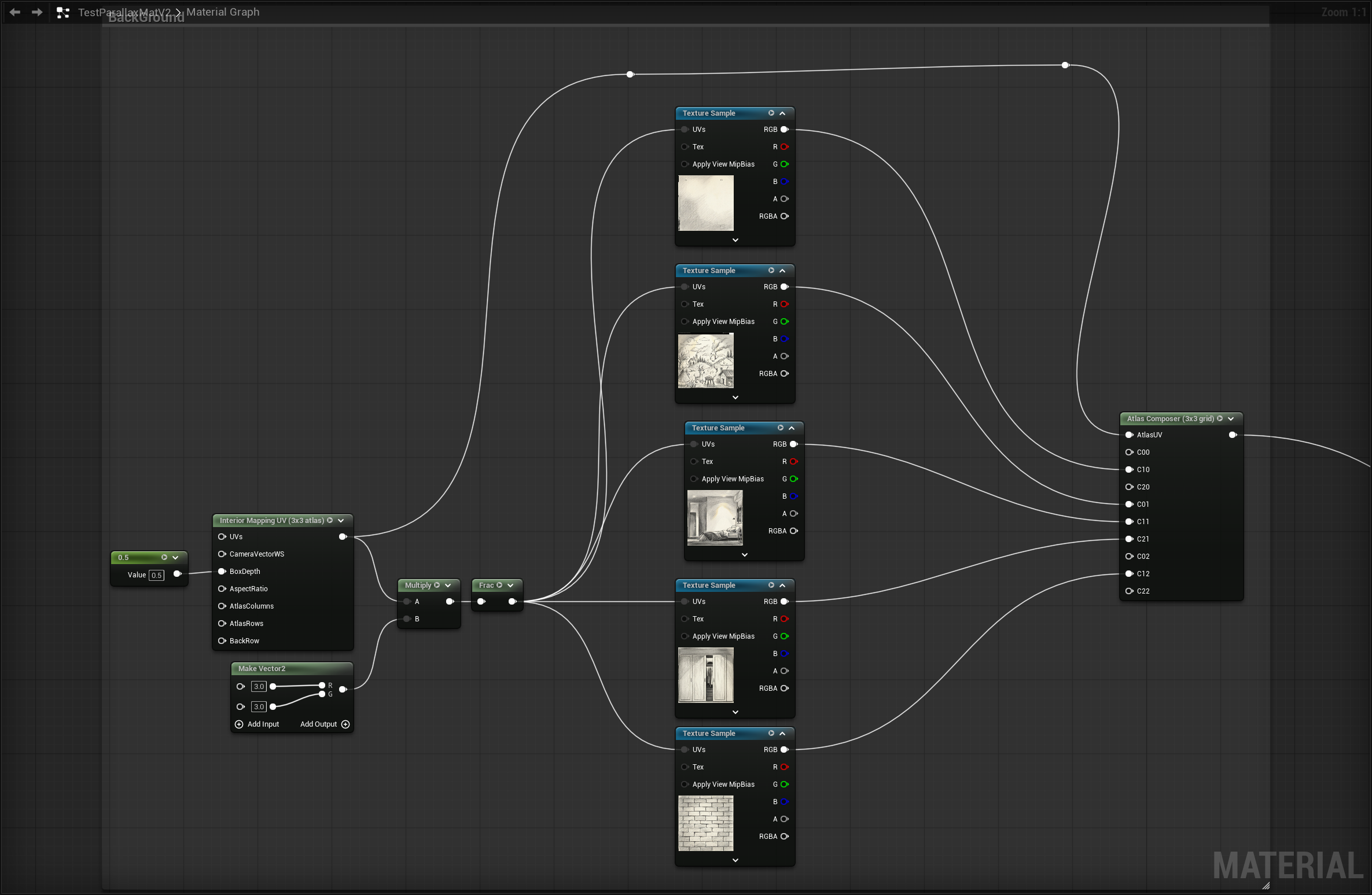
Use the Atlas Composer node to merge them into a single atlas, then connect its AtlasUV with the output of the Interior Mapping UV node.
2.3 Foreground Elements
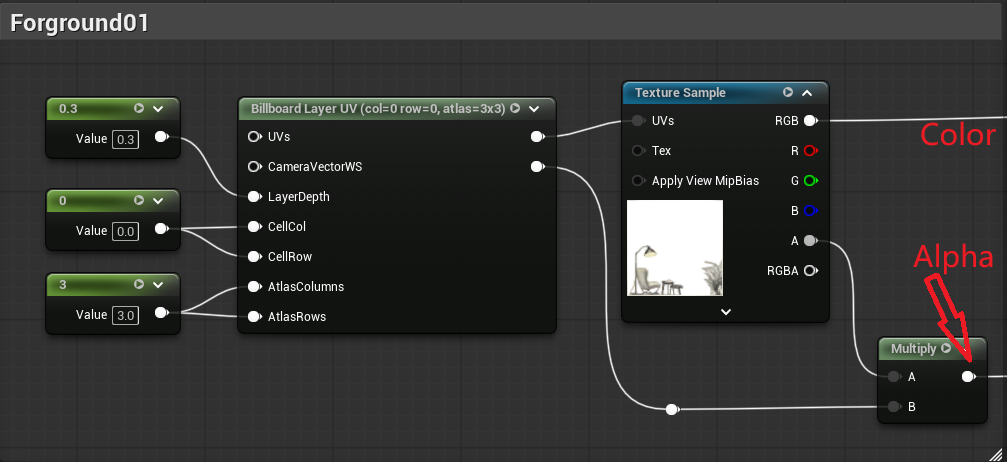
Use a Billboard Layer UV node to layer foreground elements with independent parallax.
| Pin | Type | Description |
|---|---|---|
| Inputs | ||
UVs | TexCoordinates | UV coordinates. Defaults to TexCoord[0]. |
CameraVectorWs | Vector3 | Camera vector in world space. Use CameraVectorWS by default. |
LayerDepth | Scalar | Controls where the layer sits in depth. |
CellCol | Scalar | Which column of the cell this foreground element belongs to. |
CellRow | Scalar | Which row of the cell this foreground element belongs to. |
AtlasColumns | Scalar | Grid columns. Defaults to 3. Set to 1 when using individual textures. |
AtlasRows | Scalar | Grid rows. Defaults to 3. Set to 1 when using individual textures. |
| Outputs | ||
| Pin 1 | Vector2 | The parallax-shifted UVs for the foreground layer. |
| Pin 2 | Scalar | 1.0 if the shifted UV stays within $[0,1]^2$; 0.0 if it falls outside the tile boundary. |
Multiply the second output pin by your texture’s alpha to get the correct opacity mask.
2.4 Compositing Foreground and Background
Use a Lerp node, driven by the alpha mask computed in the foreground pipeline, to blend the layers together.
Two common compositing orderings:
Sequential blending — lerp each foreground layer over the background in order:
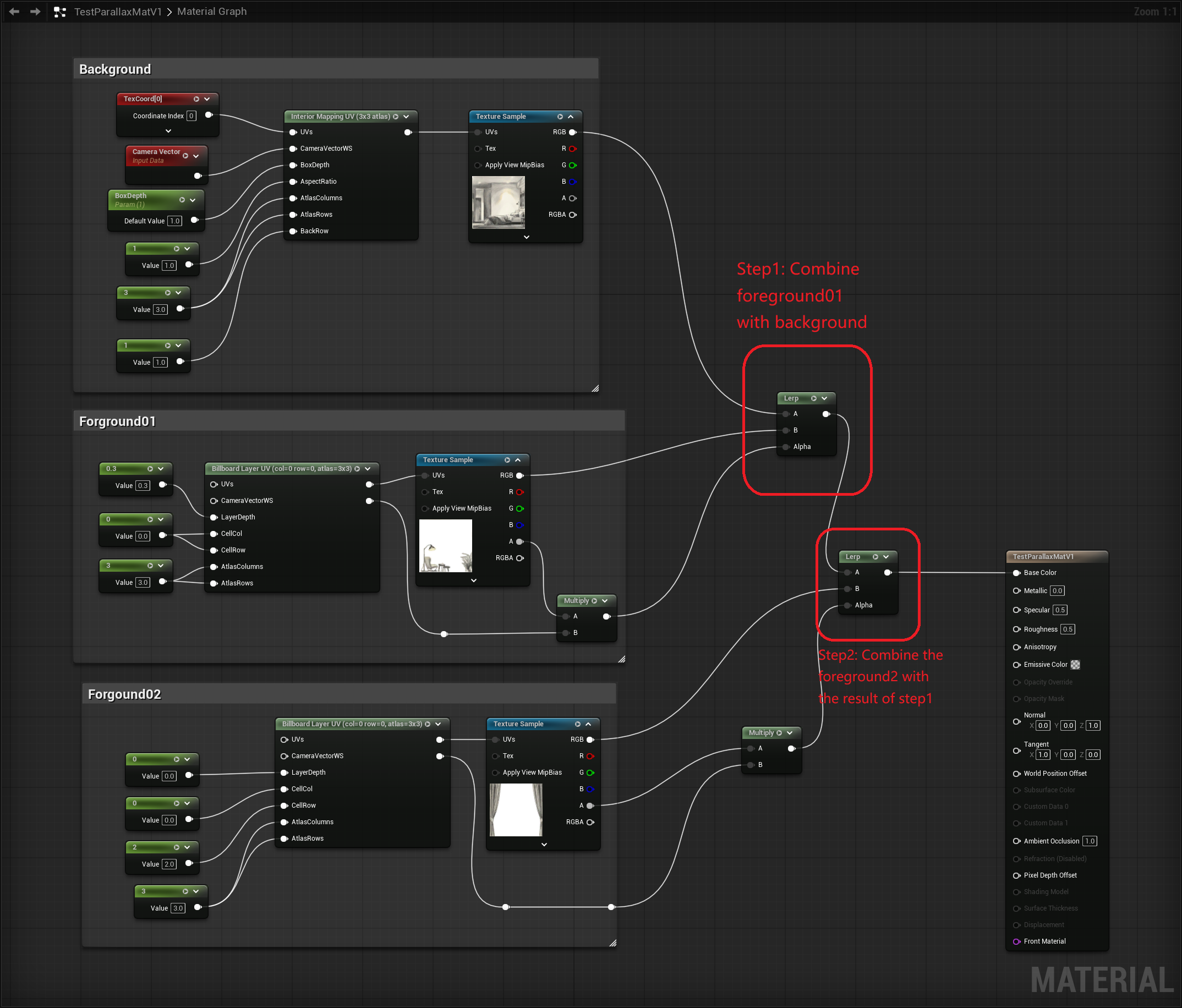
Flatten foreground first, then blend — combine all foreground layers together first, then lerp the result over the background:
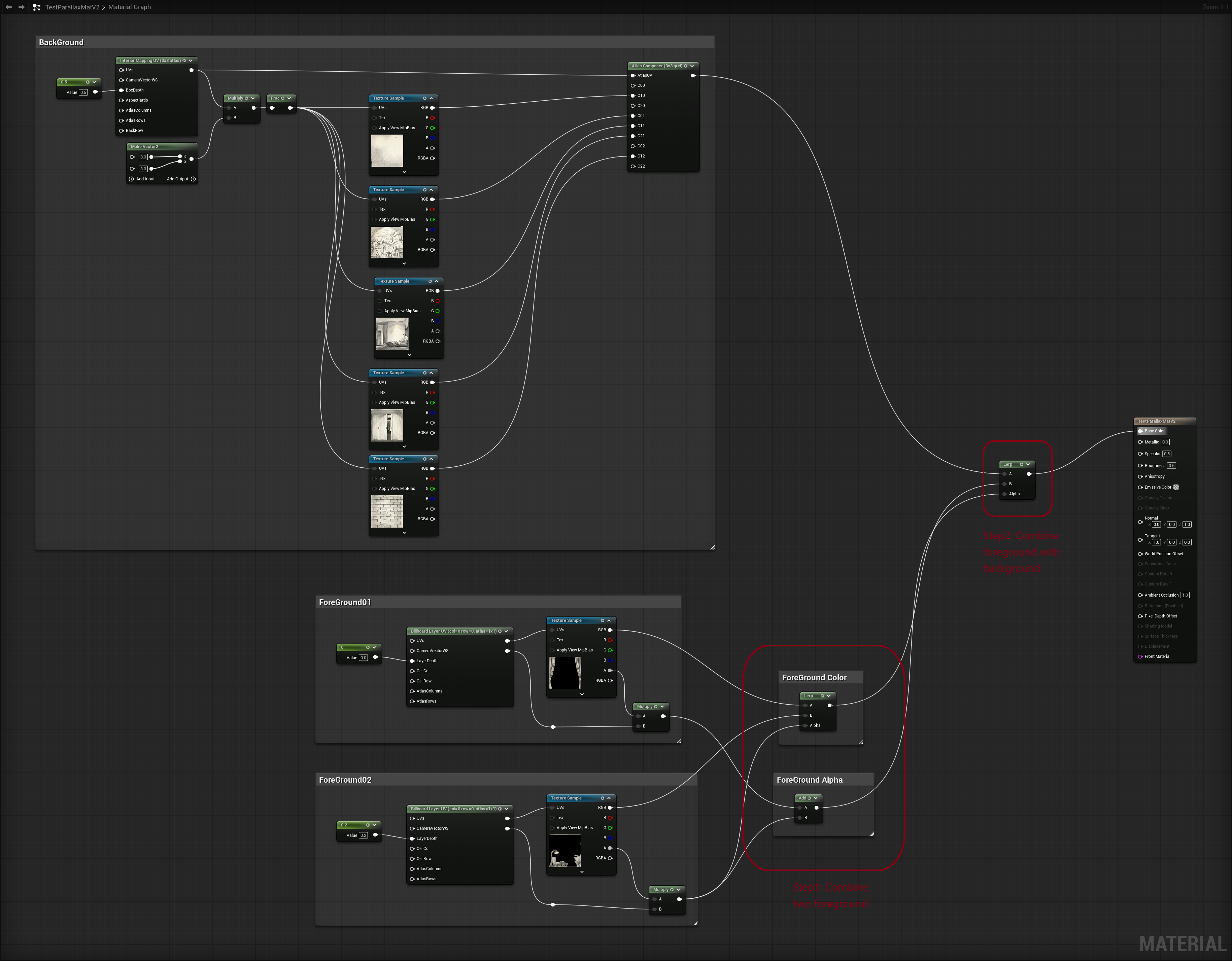
Samples
Texture files: https://1drv.ms/f/c/53c607b8bea23158/IgDmN6ZhbhF_SIFqYHuihS8yAd4OvlsYO_YHI-Fe2mHs0Kk?e=DyZu2v
Sample Material: https://1drv.ms/f/c/53c607b8bea23158/IgAcOrITqqL9Rbpi2_DzZVFUAVaAHJgjyNPP6iRf4M7-bOM?e=ACCAZw
Copyable blueprint:
- Nine-grid: https://blueprintue.com/blueprint/cwzojttp/
- Individual texture: https://blueprintue.com/blueprint/fqkpjgb4/